A class is more than a time in a schedule. Someone has to know who is coming, whether there is still room and who was actually there. At many clubs that is spread over an app, a paper list and the coach's memory. In Grip op Sport it belongs together.

The schedule in one place
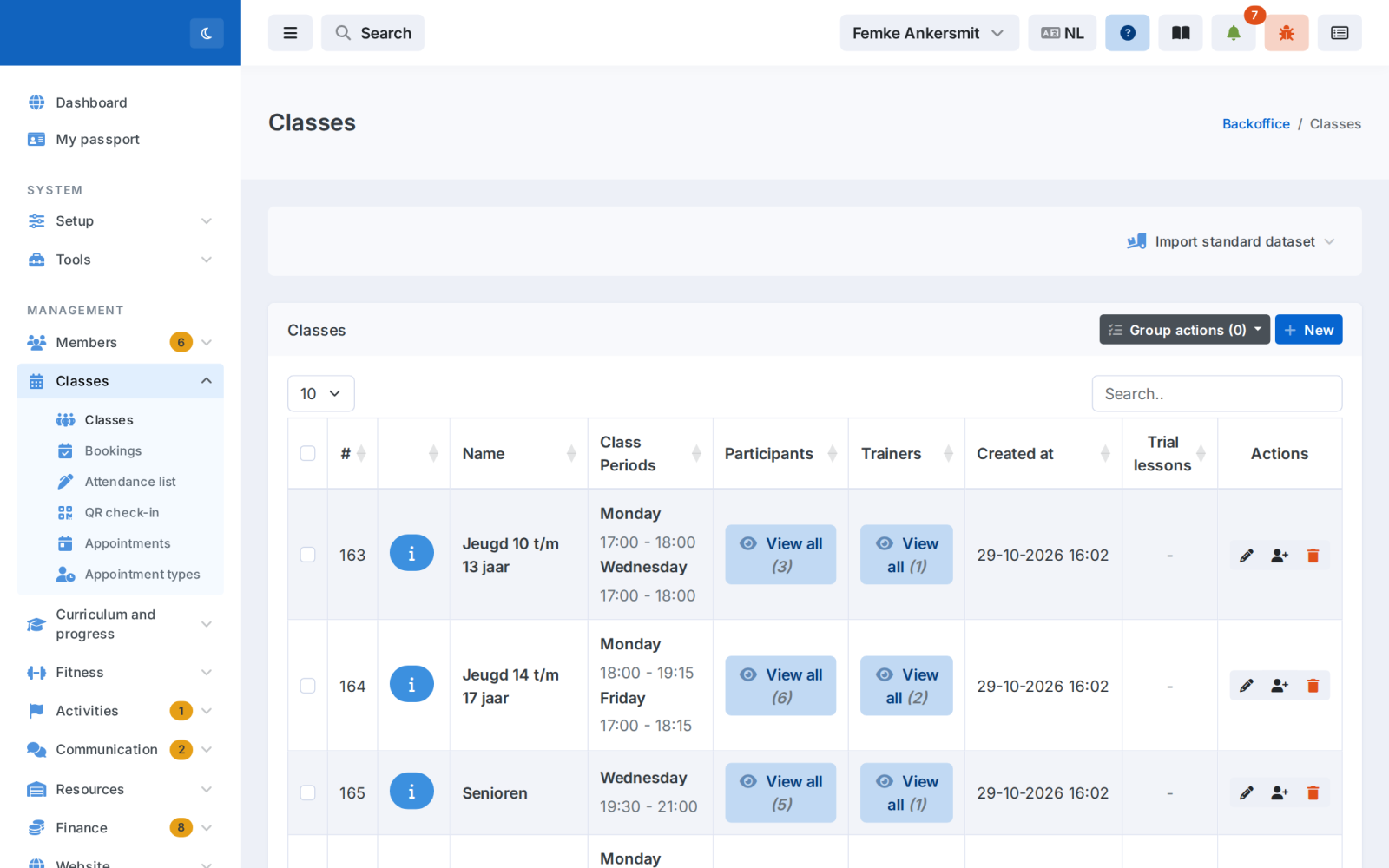
Every class has fixed times, one or more coaches and a group of participants. One overview shows which classes exist, when they take place and who teaches them. A new class or a different time is changed in one place.
You link a class to a location, so members know where to go.
Choose how a class works
Not every class works the same way. For each class you choose the mode:
- Fixed: members are assigned and belong to the class.
- Booking: members reserve a spot themselves.
- Fixed plus open: a fixed group, with extra spots members can book.
With booking, you set how many hours before the class a member can cancel free of charge. If a class is full, a member can join the waiting list. When a spot opens up, someone moves up.
Parents can book for their child, and a staff member can do the same for a member.
Attendance without a paper list
The coach opens the attendance list of the class. It shows the members who booked, and you tick who is there. Members can also check in with a QR code. Attendance is then recorded automatically, including for a booking.
This video cannot play here. Try another browser.
The lesson plan in the app
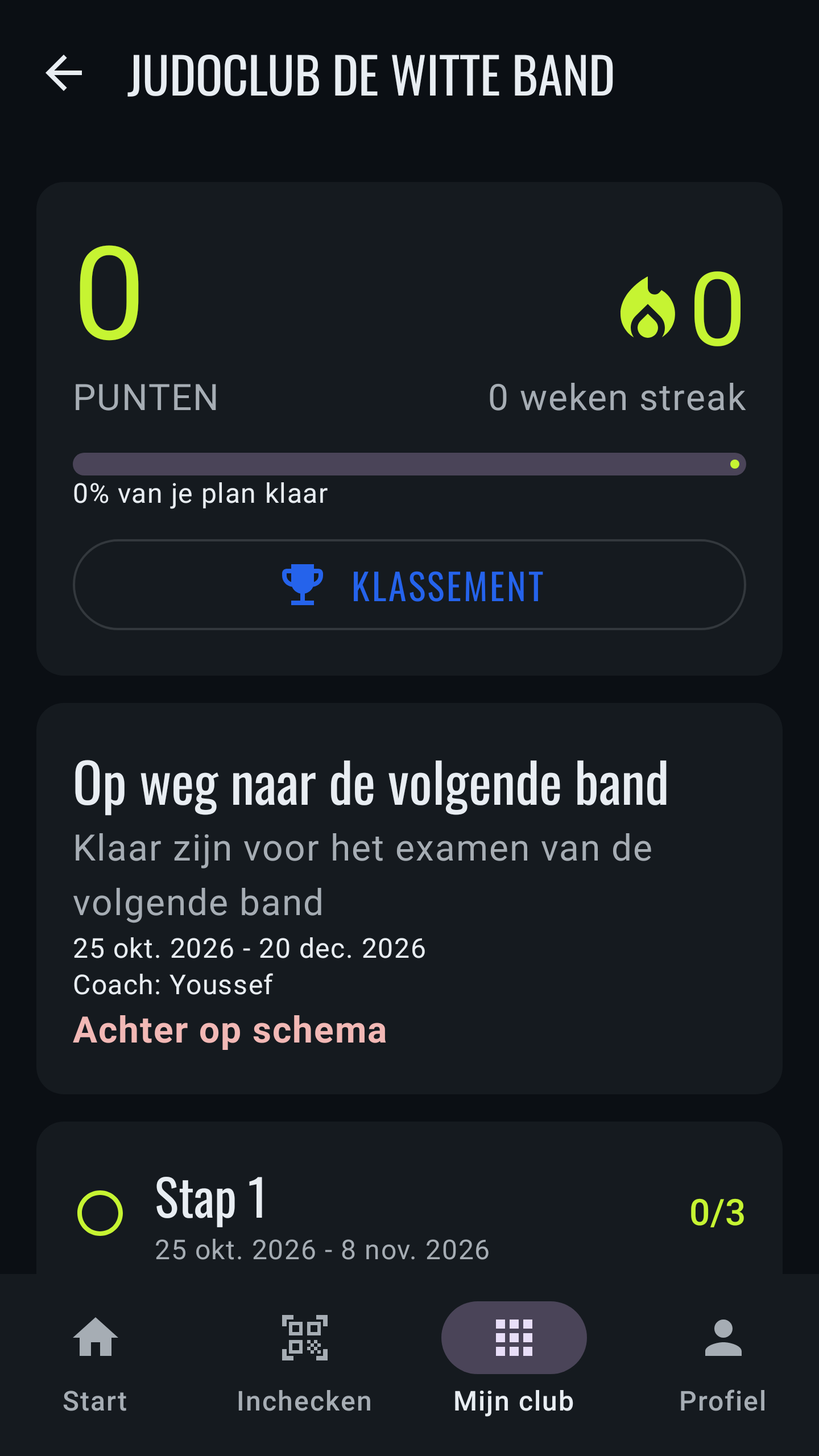
Members also see their classes in the app, with the lesson plan of the training. They can put their reservations in their own calendar too.
What it gives a club
- The coach sees in advance who is coming.
- The office does not have to keep lists.
- Members book and cancel themselves.
- Attendance is kept per class.
The wording is neutral, so the same feature also works for a gym or a personal trainer.
Want to see the rest? The All features page shows what else Grip op Sport can do.